Top area above header
YOOtheme > LAYOUT > Site > Toolbar: Inherit transparency from header - centre content - width
STYLE > General > Theme > Toolbar > Background colour apply.
- Hits: 11
YOOtheme > LAYOUT > Site > Toolbar: Inherit transparency from header - centre content - width
STYLE > General > Theme > Toolbar > Background colour apply.
Adjust the Border Radius in whichever setting you are working on.
To extend the native "Slideshow" Builder element with a "Lightbox" feature, edit it and take these steps:
Click on the tab "Advanced" (that of the Slideshow, not that of an item!), scroll down to the field labeled "Attributes", and insert this line
uk-lightbox="toggle: a.el-link"
Scroll further down, and enter the following into the field labeled "CSS":
   .el-overlay, .el-link {
   padding: 0;
   width: 100%;
   height: 100%;
   }
   .el-link {
   position: absolute;
   display: flex;
   justify-content: center;
   align-items: center;
   }
Apply these in the tab "Settings":
<i uk-icon="icon:expand; ratio: 3"></i>, for instance, or a text like "Show image", for example, or it can be empty. NOTE: I have found you need something in the link text or the lightbox stops working. So something like ... if you don't want text showing.Edit the Grid Item, and in the tab "Content", field LINK > Dynamic > Article: ... select the same image you have selected for IMAGE > Dynamic > Article: ....
The image defined via "LINK" is the one which is supposed to be displayed in the Lightbox.
Save the changes, test the result.
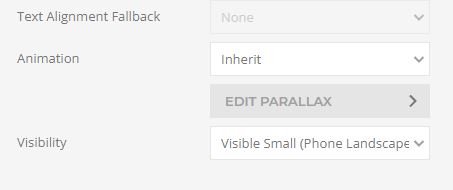
For larger screens to show
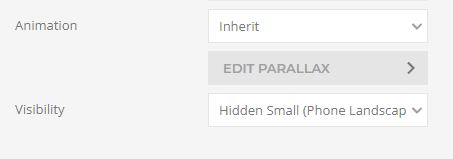
For smaller screens to show
/*padding to right of bullet points*/
.uk-list-bullet > ::before { left: -40px; }
.uk-list-bullet > * { padding-left: 40px; }
Index page bottom call to action.
Section add the image here / Edit settings (under the image)
Image size / Cover
Image Effect / Fixed
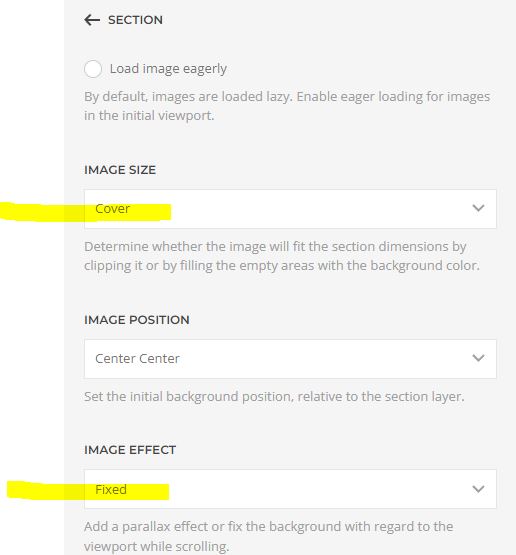
Section / settings /
Change the text colour light dark
H Tags Margin Top
Style / Base / Heading

Style / Navbar / Nav / Nav Item
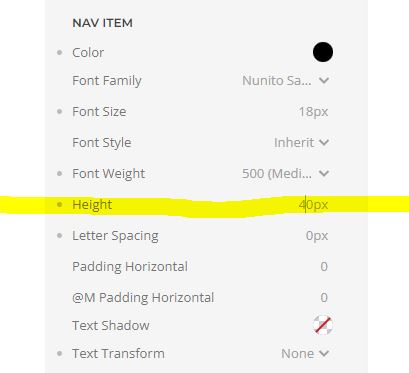
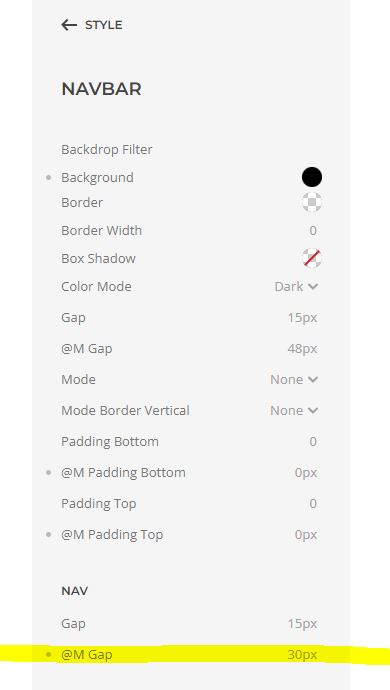
above and below the menu items - line height
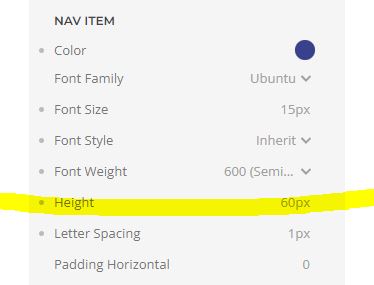
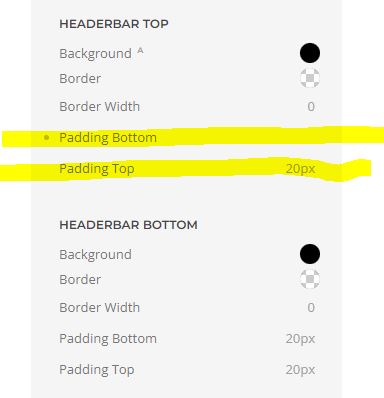
Remove padding from header area
Style / Theme / Headerbar Top