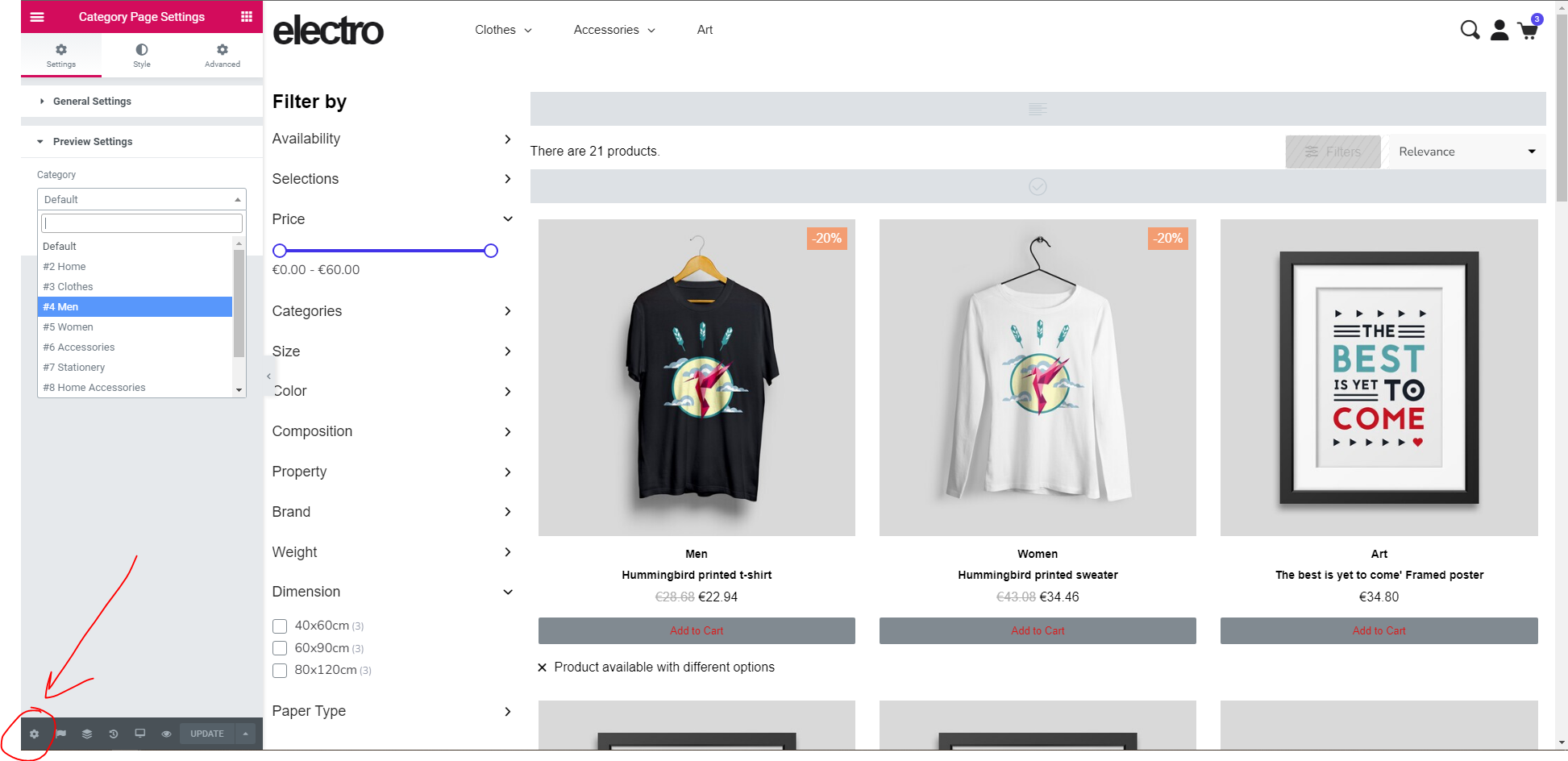
Reduce the number of elements on a prestashop creative elements page - make it smaller seo
how to reduce the number of elements on a prestashop creative elements page
- Hits: 10
how to reduce the number of elements on a prestashop creative elements page
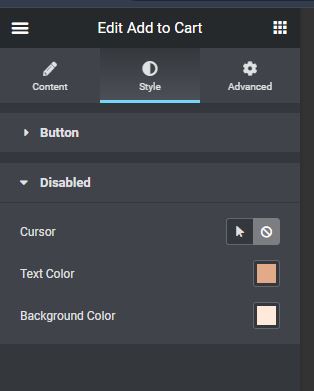
Click on the element in the apropriate template
Style / disabled
In the theme click on any colour squares and the colour choices will open.
To remove a colour pick it up, as you do a bin will open, drop it in there.
To add a colour find the colour in the colour picker and click the + button. You need to actively change the colour in the picker or the picker will add the previous colour again.
Drives us all mad - but here's the answer
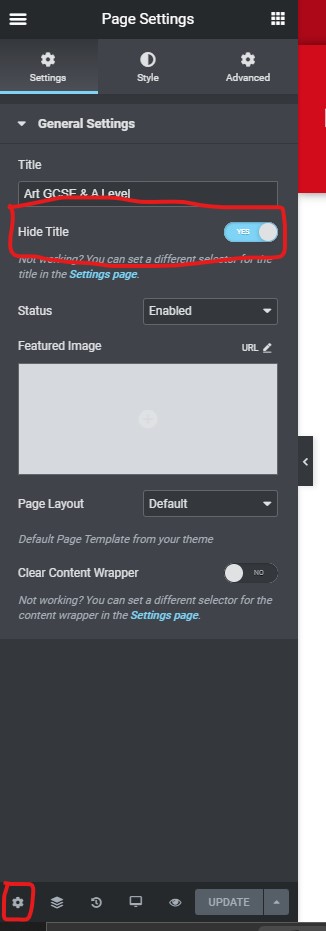
If you want an image or slider to go hard up against your header then you need to turn off the Page Title and the breadcrumbs.
Go to Page Settings > gear icon at the bootom left hand of the page > Hide Title to 'Yes'
/* comment out the breadcrumbs */
#cms #wrapper  .breadcrumb {
     display: none;
}/*Push the slider to the top of the page and remove padding from content element */
#wrapper {
padding-top: 0;
}
.page-content.page-cms {
padding: 0;
}
Using Creative elements with an override file you can create multiple templates to assign to different product categories.
Create the override folder - override/modules/creativeelements
Then create a creativeelements.php file using this content:
<?php
// Different Product page templates on different Category pages
defined('_PS_VERSION_') or die;
class CreativeElementsOverride extends CreativeElements
{
    public function hookDisplayHeader()
    {
        if ($this->context->controller instanceof \ProductController) {
        	$id_category = $this->context->controller->getProduct()->id_category_default;
        	// category ID => template ID
            $map = [
            10 => 14,
            26 => 14,
            27 => 14,
            28 => 14,
            11 => 7,
            12 => 12,
            13 => 13,
            36 => 10,
            37 => 15,

        	];

        	if (isset($map[$id_category])) {
        		Configuration::set('CE_PRODUCT', $map[$id_category]);
        	}
        }
        parent::hookDisplayHeader();
    }
}
Map your product categories to the appropriate template IDs
https://www.youtube.com/watch?v=5MkJkB-3myg&list=PLQI5oKH3JoI2-Xjz_EG0EkZWW_JVUgXht