Zoho Assist
Go to 1Password find and launch Zoho Assist.
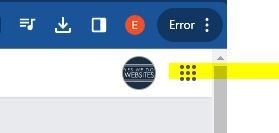
Top right click on the 9 dots.
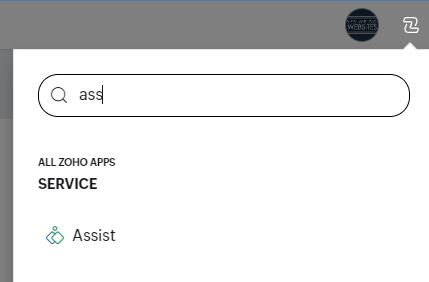
Type assist and then click on Assist that appears under Service
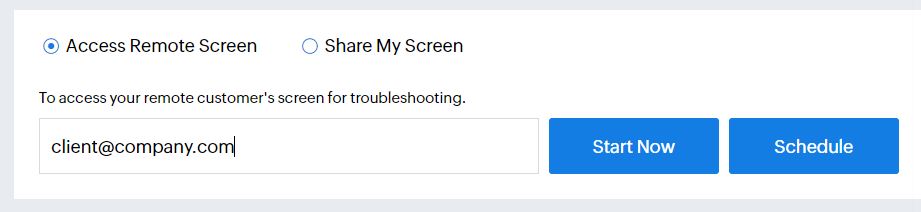
Fill in the clients email address and click start now.
The client will receive and email with a link to click to download a file.
Get them to download it and agree or launch or whatever it says.
Then their screen will appear on your desktop!
- Hits: 2