inspect a roll over hover element for CSS
Hit F12 to open the inspect tool.
Click on Source

Hover over the element you want to inspect and activate it then press F8 the screen will go dark.
Now click onto Elements and then click on the select arrow icon.
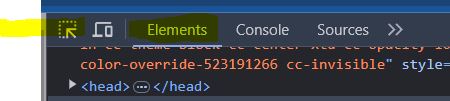
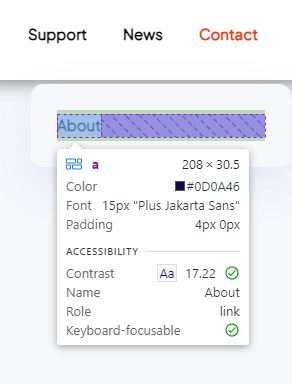
Click on the element you want to inspect.
- Hits: 32