Sub menu - dropdown background - text colour - full width
Style / NAVBAR
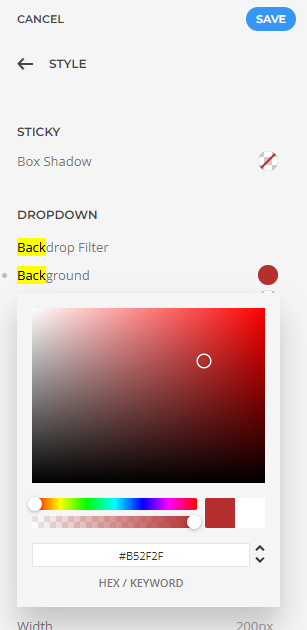
Dropdown background colour
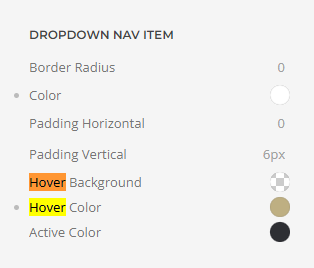
Text colour
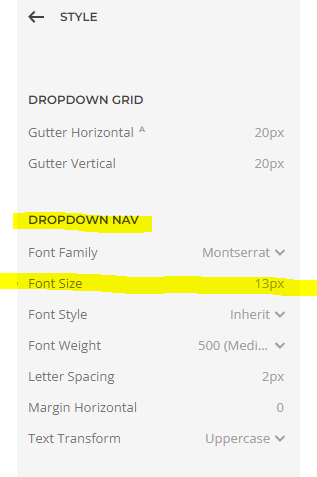
Sub menu drop down font size
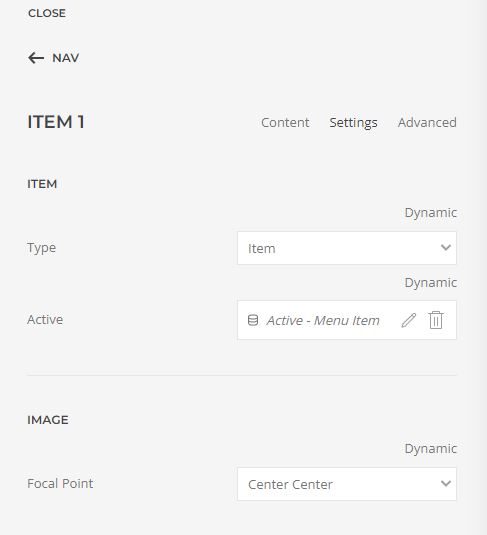
Now the active state colour needs to be set up like this:
In the item settings: Item > Settings > Item > Type > click on dynamic and select, Item
Item > Active click on dyanmic and select, Active - Menu item.
Full Width
Layout / Header / Dropdown / tick the radio button for Enable dropbar
- Hits: 38