Hover colour for the sub menu dropdow nav
Style / Components / Navbar / Dropdown / Padding,
Scroll down to Dropdown Nav Item / Padding Horizontal and insert the very same value say 20px.
Scroll up to Dropdown Nav / Margin Horizontal and insert the same value, but with a leading negative sign: -20px.
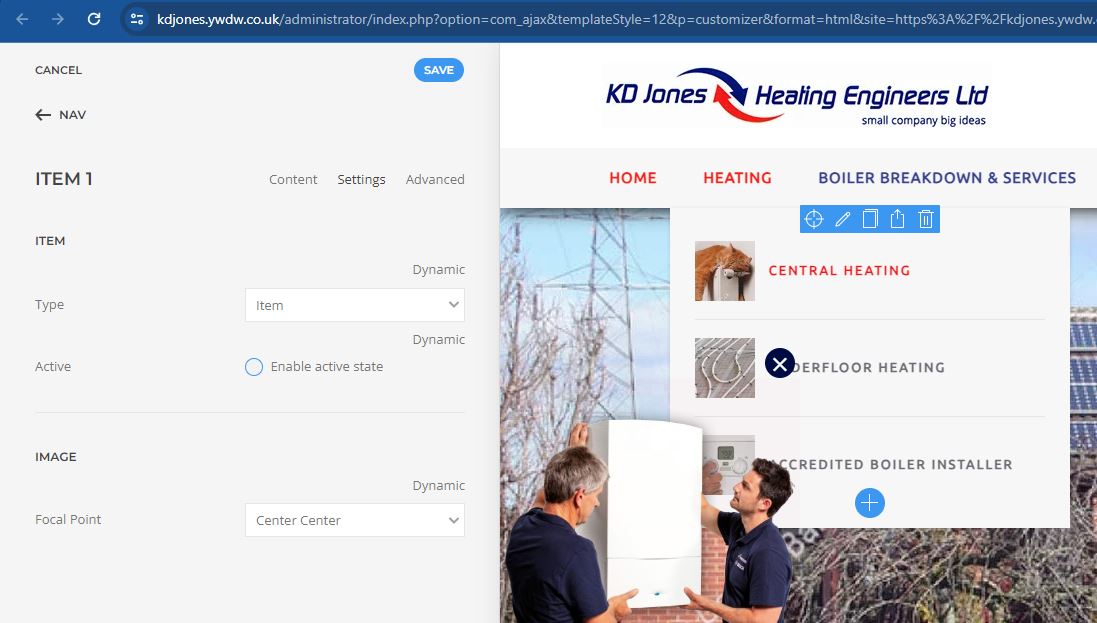
Then if using a mega menu - Menus / Main Menu / Heating (Builder) / Nav / Items / Settings / Active
make sure 'Enable active state' is not checked.
Change the text colour in Nav, not Navbar
- Hits: 22