Dynamic content gallery - images from a folder
Limpsfield Fitness - Join in
Pisani Hair Salon - https://pisanihairsalon.co.uk/gallery
https://yootheme.com/support/yootheme-pro/joomla/dynamic-content
THEN SCROLL DOWN TO USING EXTERNAL SOURCES
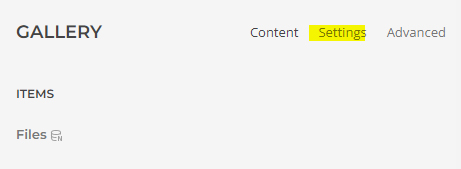
Add a gallery, add an item
In the top level, Gallery / settings
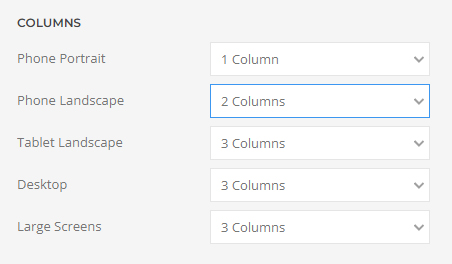
Choose how many columns you want to display
Return to the content
click into the item, click on advanced
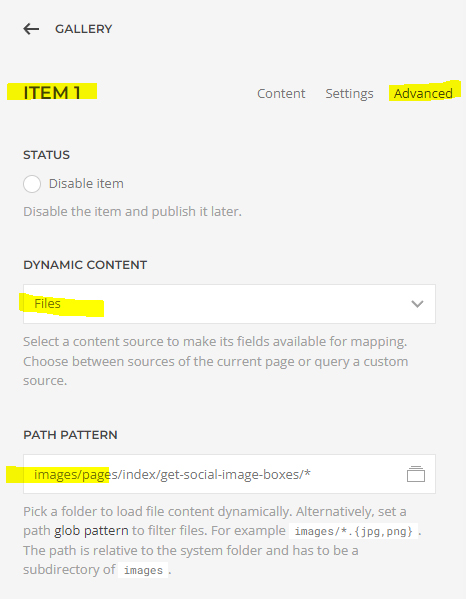
Click the Dynamic content drop down open and choose files
Click on the path pattern and choose the folder you want to use.

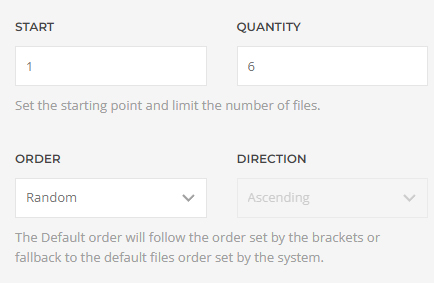
Scroll down and choose how many images you want to show at a time.
Also choose if you want random images to show rather than the first 6.
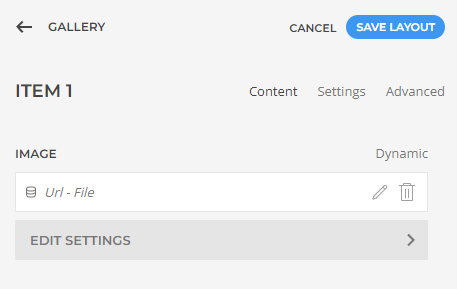
Return to the content area and click on the dyamic button to map the source.
Choose Url - file
Examples
Pisani - Our Gallery
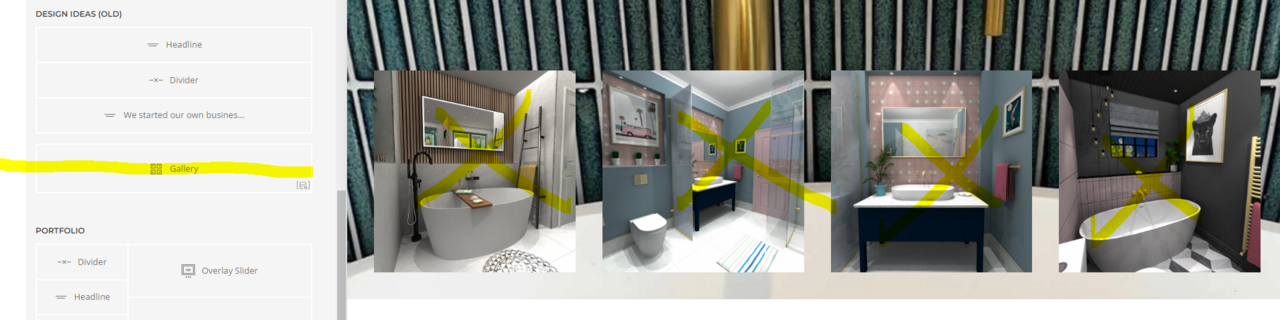
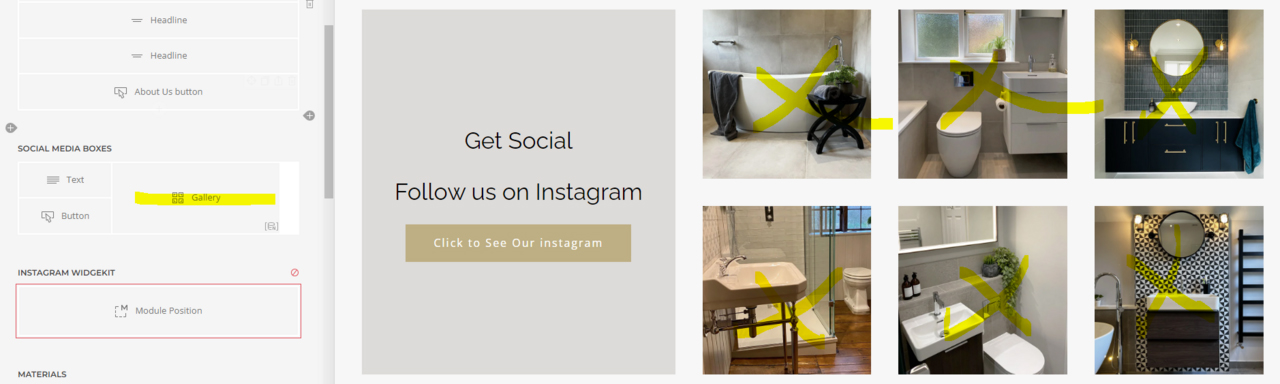
Love your bathroom home page
- Hits: 25